

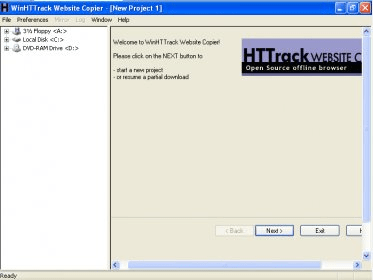
WinHTTRack is the Windows version of the well-known HTTrack. This application was a lot more useful 9 years ago, though it didn't exist. HTtrack is an offline site browser. In short, you can use it to download complete websites so that you can browse them offline. The main reason why I used to use programs like this was because my Internet connection was so bad that I couldn't really stay online a lot, or it was to expensive to. So, I used to download a complete website so that I had all the time to do it offline. The application has been around for quite a long time and is stable enough to carry out any type of website download. There are many options that you can tweak so that your site is downloaded in full. You can specify to download images larger or smaller than X, and things like that. There aren't really any reasons to not download images from a website with nowadays technology, but you can do that too. One of the best things about this application is that it works great and is free.



Download and archive entire websites such as forums, galleries and online books.
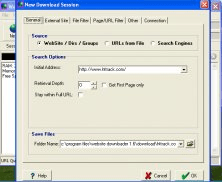

The software allows you to download entire websites and download web pages to your local hard drive.











Comments (10)
Also, it's very slow. Even when I adjust speed limit, it seems it can't download more than about 50KB/s on average.